How to Hire Someone to Build a Website for Your Business
Share
In this article
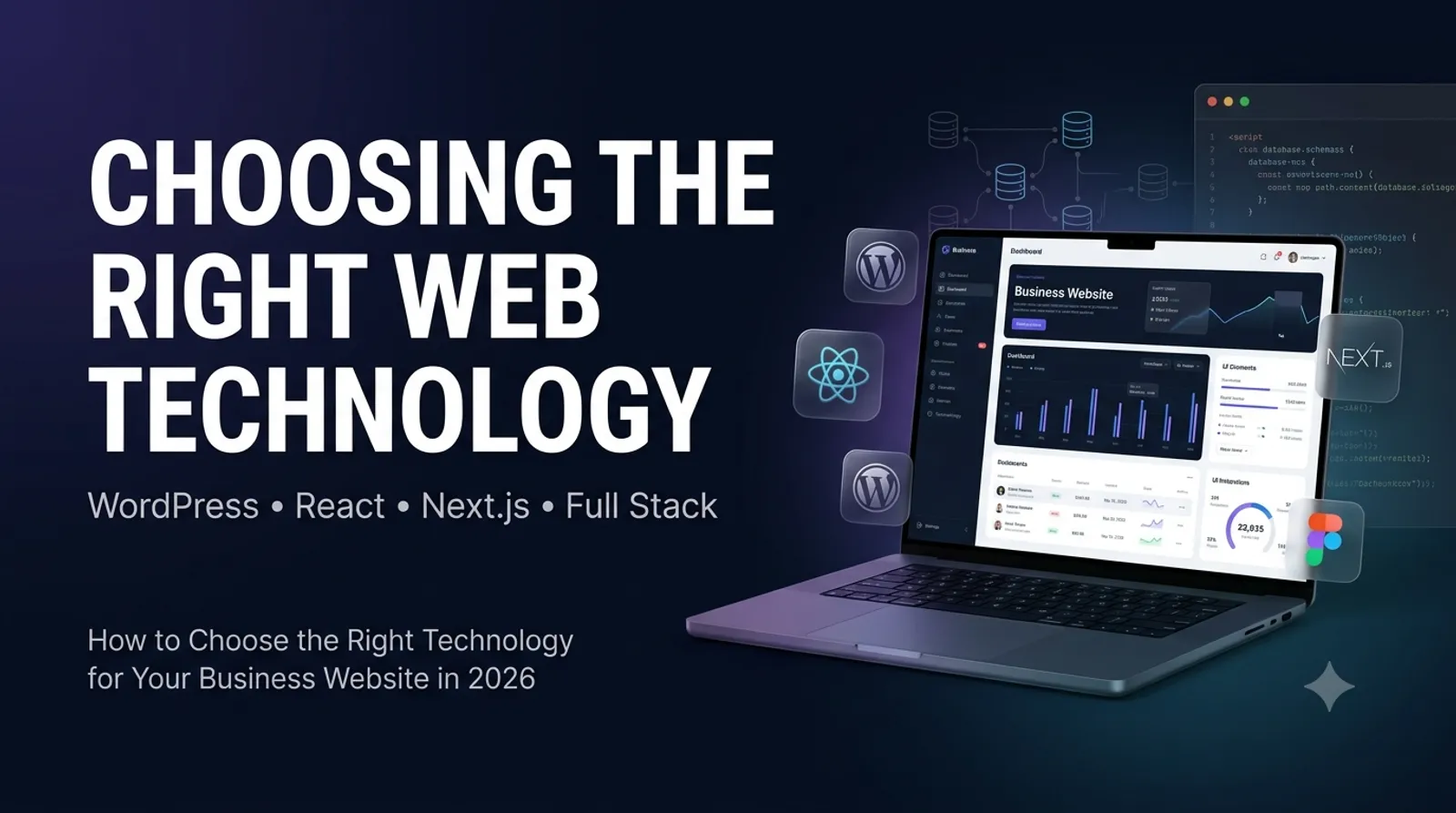
Building a website is a crucial step for any business seeking to establish a strong online presence. Whether you're launching a startup or expanding an existing brand, hiring the right professional to build your website can make all the difference. This guide will walk you through the process of hiring a web developer, covering how to define your requirements, choosing between WordPress and custom development, budgeting, vetting portfolios, key questions to ask, deliverables to expect, and common pitfalls to avoid. Along the way, learn about how marketplaces like NexoRush can simplify your search for capable freelancers and agencies.
1. Define Your Website Requirements Clearly
Before searching for a developer, spend time defining what you want. Are you looking for a simple informational site, a blog, an e-commerce store, or a custom web app? Consider features such as:
Content types (text, images, video)
Page count and navigation structure
Special functionality (contact forms, booking systems, payment gateways)
Design preferences (branding, colors, layout style)
SEO requirements
Mobile responsiveness and accessibility
Having a clear project scope reduces misunderstandings and helps freelancers provide accurate quotes.
2. Choosing Between WordPress and Custom Development
Most small to medium businesses choose between building on a popular CMS like WordPress or going for a fully custom-built website.
WordPress Pros and Cons
Pros: Faster development, wide range of plugins and themes, easier content management, and generally lower cost.
Cons: Can be slower if overloaded with plugins, potential security risks if not maintained, and limited flexibility for unique functionality.
Custom Development Pros and Cons
Pros: Tailored to your exact needs, faster and leaner code, more control over performance and security.
Cons: Higher upfront cost, longer development time, and requires skilled developers to maintain.
Discuss these options with your developer based on your budget, timeline, and feature needs.
3. Setting a Realistic Budget
Website creation prices can vary widely depending on complexity, expertise, and location of developers. Here are some rough guidelines:
Basic business site (5-7 pages, WordPress): $500 - $2,000
Custom small business site or e-commerce: $3,000 - $10,000+
Complex web applications: $10,000 - $50,000 or more
Besides development, consider ongoing costs for hosting, maintenance, content updates, and SEO.
Learn more about budgeting for freelancers here.
4. Where to Find Qualified Web Developers
Marketplaces like NexoRush Web Development services provide access to vetted professionals specializing in a variety of technologies, from WordPress to full-stack custom solutions. These platforms let you review portfolios, client feedback, and communicate directly with freelancers before hiring.
Other ways to find developers include referrals from your network, LinkedIn, local agencies, and freelance job boards.
5. Evaluating Portfolios and Experience
Review candidates’ previous work carefully. Check:
Design quality and consistency with your aesthetic
Functionality of past projects (load speed, responsiveness)
Experience with similar industries or project types
Client testimonials or reviews
Technical skills matching your technology choice (WordPress, React, Next.js, etc.)
A developer with a proven record in your industry or with your desired technology stack will often deliver faster and higher-quality results.
6. Essential Questions to Ask Prospective Developers
What is your development process and timeline?
Do you handle both design and development, or do you collaborate with designers?
How do you ensure mobile responsiveness and cross-browser compatibility?
What SEO best practices do you implement?
Will I be able to update content myself after launch?
What kind of ongoing support or maintenance do you provide?
Can you provide a detailed project proposal and contract?
Which technologies and tools do you recommend for my needs?
7. Defining Deliverables and Timeline
A good contract or agreement should specify:
Project phases and milestones with deadlines
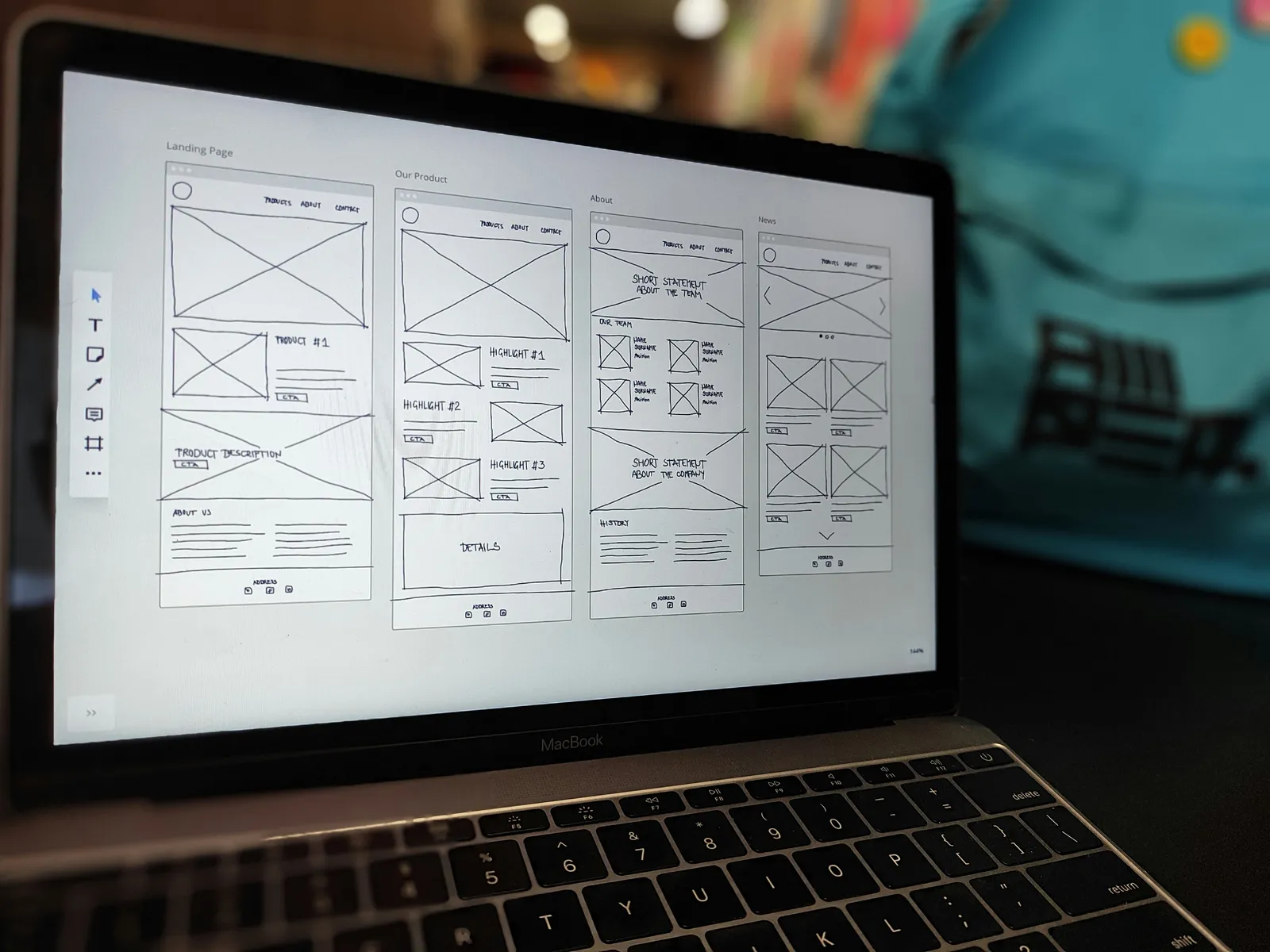
Deliverables for each phase (wireframes, designs, functional prototype, final site)
Responsibilities for content provision (text, images)
Hosting and domain setup responsibilities
Payment schedule linked to milestones
Testing, revisions, and bug-fixing period
Post-launch support terms
Clear communication helps keep the project on track and avoids unexpected delays or costs.
8. Common Mistakes to Avoid When Hiring
Not researching enough: Picking the cheapest or first freelancer without vetting skills.
Unclear requirements: Leads to scope creep and frustration.
Ignoring maintenance: Websites need regular updates and security patches.
Neglecting mobile users: Over 50% of web traffic is mobile—design must prioritize responsiveness.
Lack of SEO planning: Without proper SEO, your site may remain invisible on search engines.
No contract: This leaves both parties vulnerable if expectations differ.
Conclusion
Hiring someone to build your business website is a significant investment that requires careful planning and research. Define your project needs, understand your options between WordPress and custom builds, set a budget, and use reputable platforms like NexoRush to find skilled developers. Always review portfolios, ask the right questions, and clarify deliverables. Avoid common pitfalls by maintaining good communication and having a clear contract. A well-built website is a powerful asset to attract customers, grow your brand, and succeed online.
For more insights on finding the best freelance web developers and comparison of platforms, check out these useful articles: