
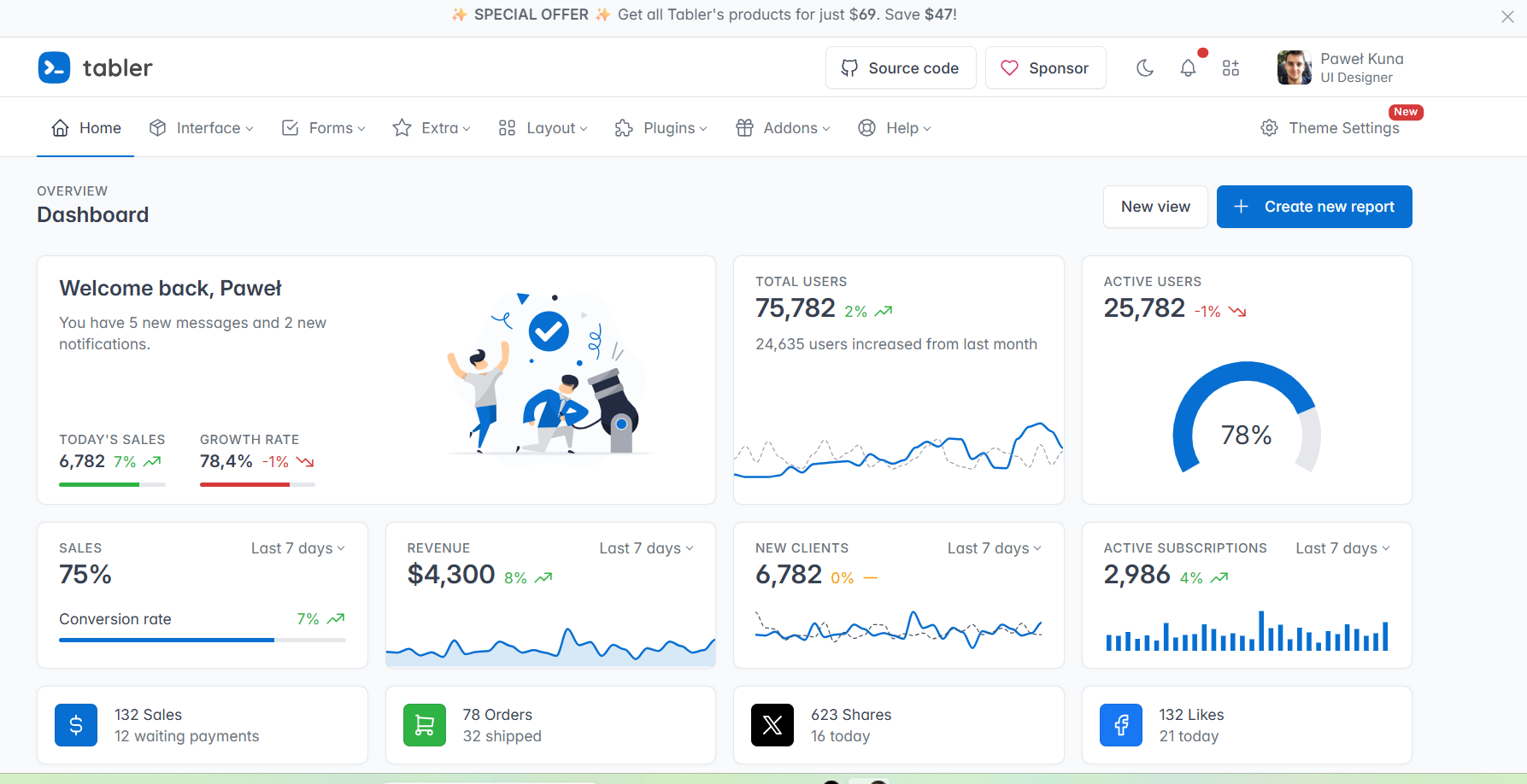
Tabler is premium and open source dashboard template with a responsive and high-quality UI.
We've created this admin panel for everyone who wants to create templates based on our pre-made components. Our mission is to deliver a user-friendly, clear and easy administration panel that can be used by both simple websites and sophisticated systems. The only requirement is basic HTML and CSS (and some Liquid) knowledge — as a reward, you'll be able to manage and visualize different types of data in the easiest possible way! Responsive: With the support for mobile, tablet and desktop displays, it doesn’t matter what device you’re using. Tabler is responsive in all major browsers. Cross Browser: Our theme works perfectly with the latest Chrome, Firefox+, Safari, Opera, Edge and mobile browsers. We work hard to provide continuous support for them. HTML5 & CSS3: We use only modern web technologies, such as HTML5 and CSS3. Our theme includes some subtle CSS3 animations, which will help you attract attention. Clean Code: We followed Bootstrap’s guidelines carefully to make your integration as easy as possible. All code is handwritten and W3C valid. Demo pages: Tabler features over 20 individual pages using various components, which gives you the freedom to choose and combine. All components can vary in color and styling that you can easily modify using Sass. Sky is the limit!
Author: Tabler
License: MIT
4 downloads
Review before downloading
Read the description, inspect the preview and confirm that this resource suits your project and software version. The author and license shown above help you understand where the file came from and how it may be used. If the license information is unclear for your intended commercial use, verify the terms before publishing or redistributing any derived work.
Use the files safely
Download the resource through the NexoRush button and keep an unchanged copy of the original archive. Review included documentation, dependencies and installation instructions before adding files to an active project. As with any third-party download, scan archives locally and test code, templates or components in a development environment before using them in production.
Keep your project maintainable
Record the resource name, version, author and applicable license in your project documentation. Check accessibility, responsive behaviour and browser compatibility where relevant, and replace sample content with information appropriate for your users. These simple checks make future updates easier and help collaborators understand which external assets are included in the final project.