
Getting started
Create your NexoRush account
Sign up with Google or email, verify your address and finish the basics.
Jump to a section
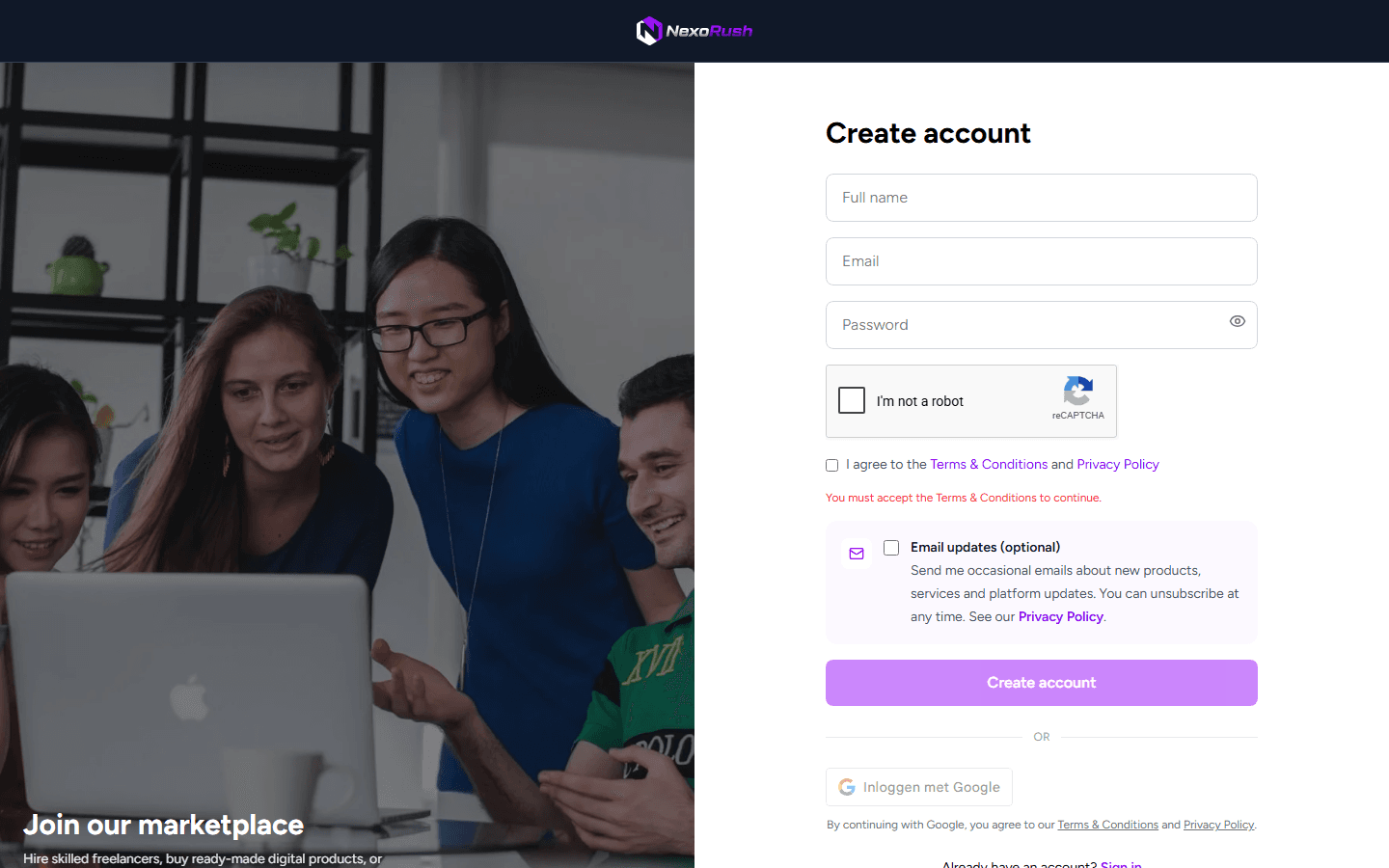
Choose how you want to sign up
Select Create account, then continue with Google or enter an email address and password. Read the linked terms and privacy policy before you agree to them.
Confirm your email address
- 1Check the inbox for the address you used to sign up.
- 2Open the message from NexoRush and follow the verification link.
- 3Return to NexoRush and sign in.
Nothing in your inbox? Check spam, then use the resend option on the verification screen.
Add the details people should see
Your account settings are private. A public seller profile is created only if you switch to selling and complete the seller setup.
- Choose a display name and photo that clients will recognize.
- Keep your legal, tax and payout details accurate; they are not part of your public profile.
- Only add information to your biography that you are comfortable showing publicly.