Getting started
New to NexoRush? Start here
See how to find a freelancer, buy a ready-made product or offer your own work.
Jump to a section
First, choose what you need
Come to NexoRush when you need someone to complete a project, or when a ready-made digital product will do the job. If you offer professional services or digital products yourself, you can sell them from the same account.
Your messages, purchases and active projects stay together in your account, so you can pick up where you left off.
- Hire a freelancer for a defined service or ask about a custom project.
- Buy a template, script or other digital product that is ready to use.
- Set up a seller profile when you are ready to offer your own work.
Open an account when you are ready
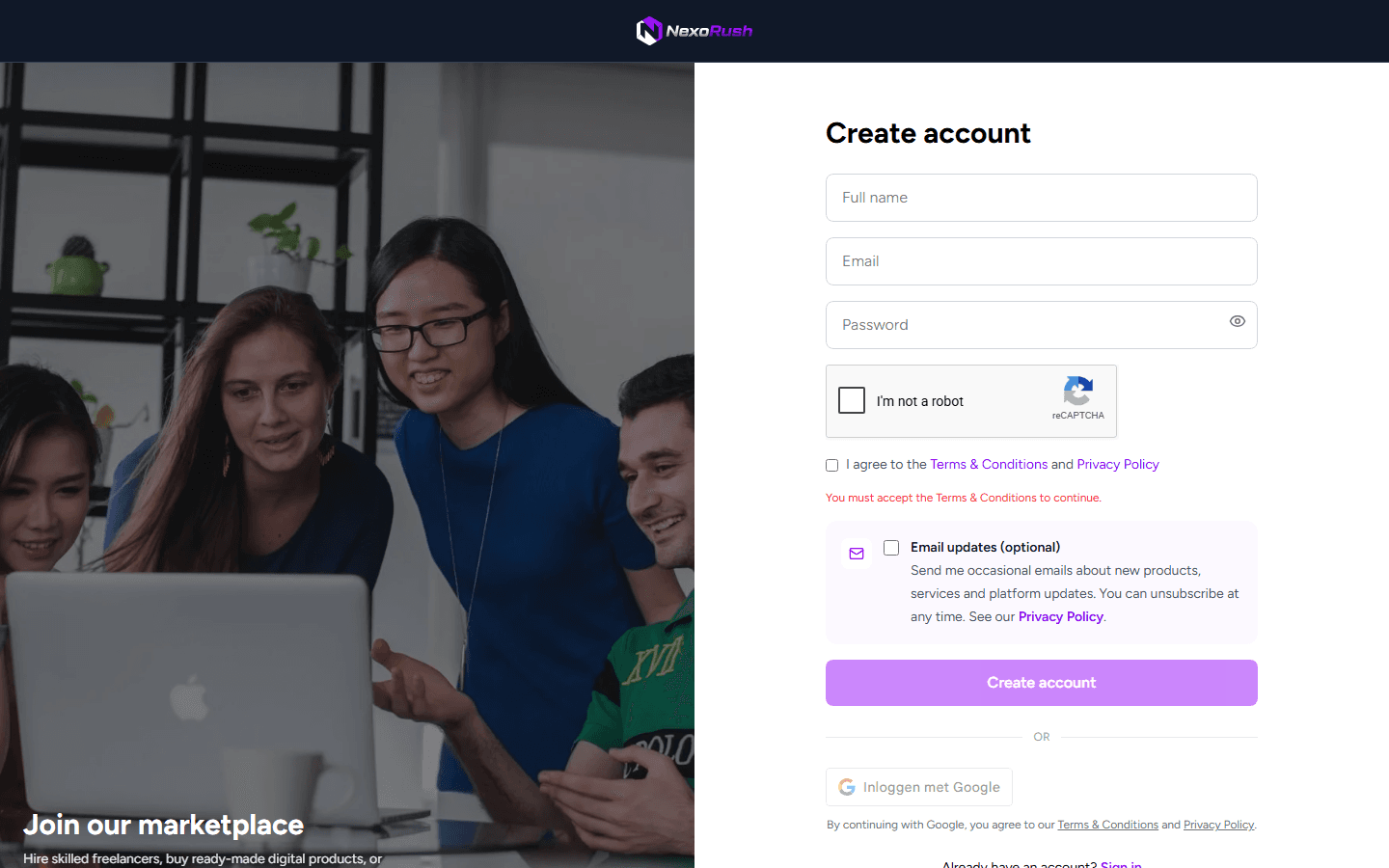
You can browse before signing up. Create an account when you want to contact a seller, place an order or start selling. Use an email address you check regularly because important account and order updates go there.
- 1Select Create account in the navigation.
- 2Continue with Google, or enter your email and choose a password.
- 3Open the verification message sent to your inbox.
- 4Add or change your profile details from account settings.
Browse the right part of the marketplace
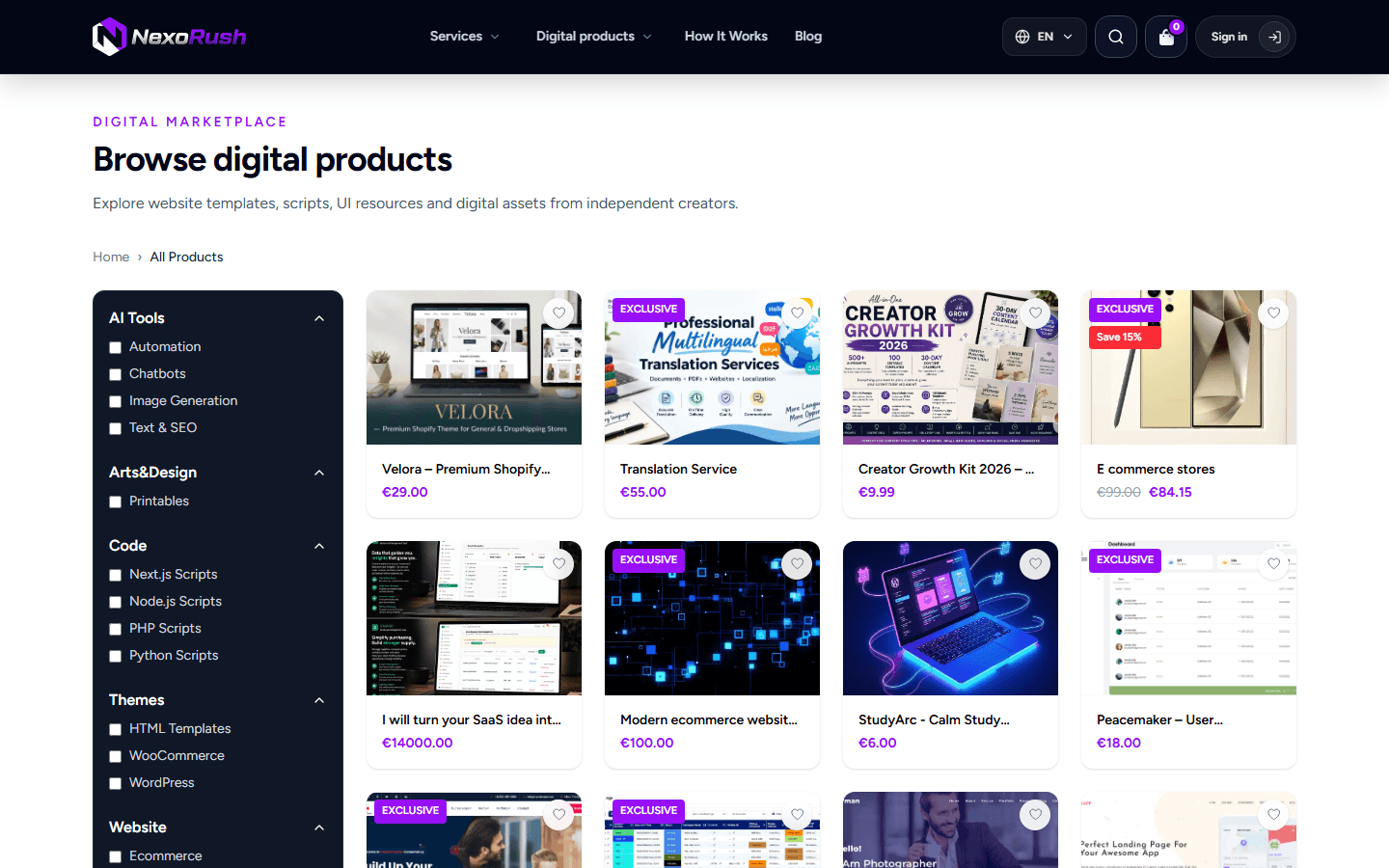
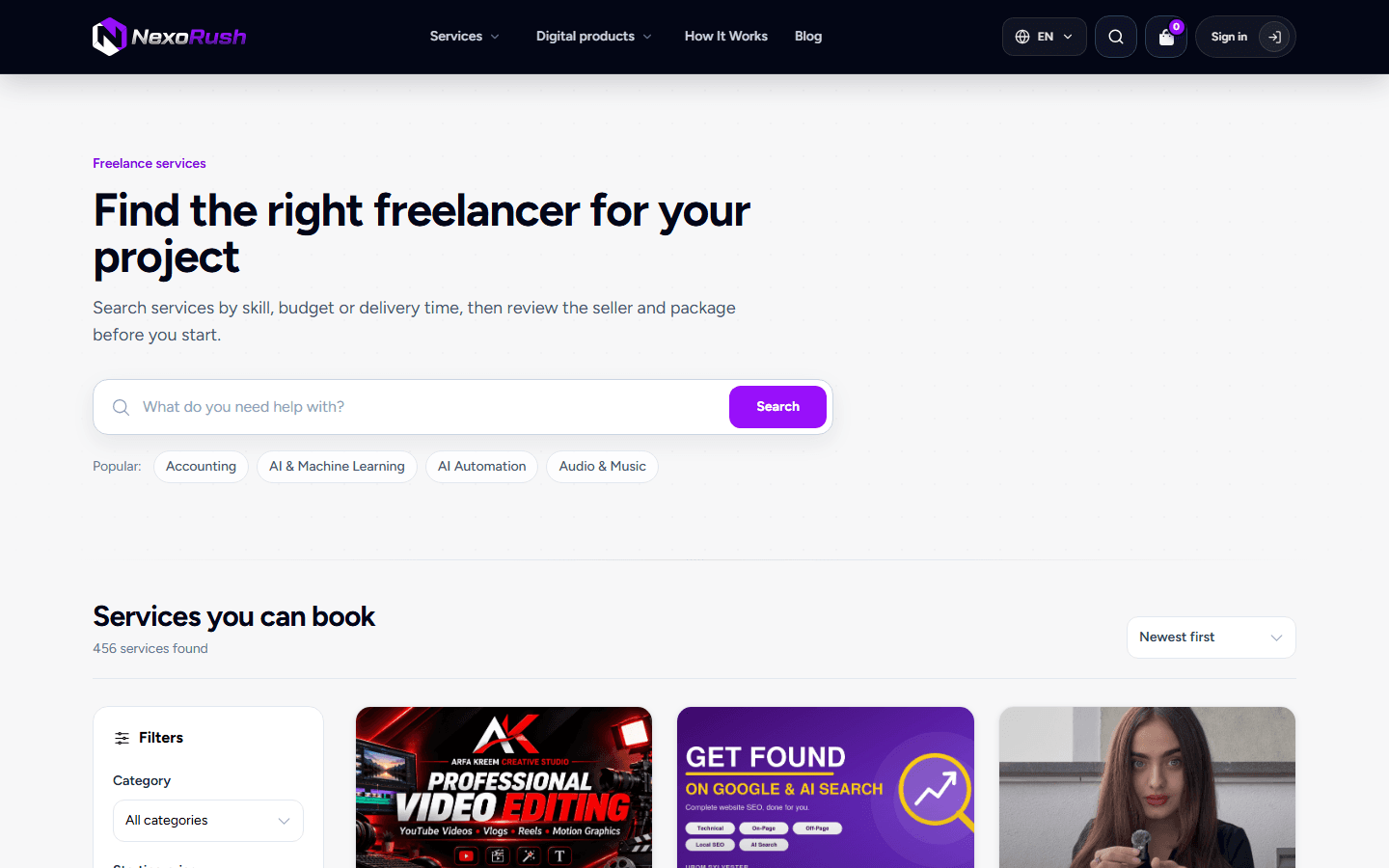
Choose Services when you need work done for you. Choose Digital products when you want something ready-made, such as a template or script. Before you buy, open the listing and check what is included, the price, delivery or compatibility details and the seller’s profile.
Find everything in your account after payment
Freelance orders continue in a project workspace where you can share requirements, message the seller and review the delivery. Digital product orders appear in your dashboard with the purchase details and available download.
Keep project conversations and files on NexoRush so both sides can refer back to the same record if there is a question later.